01
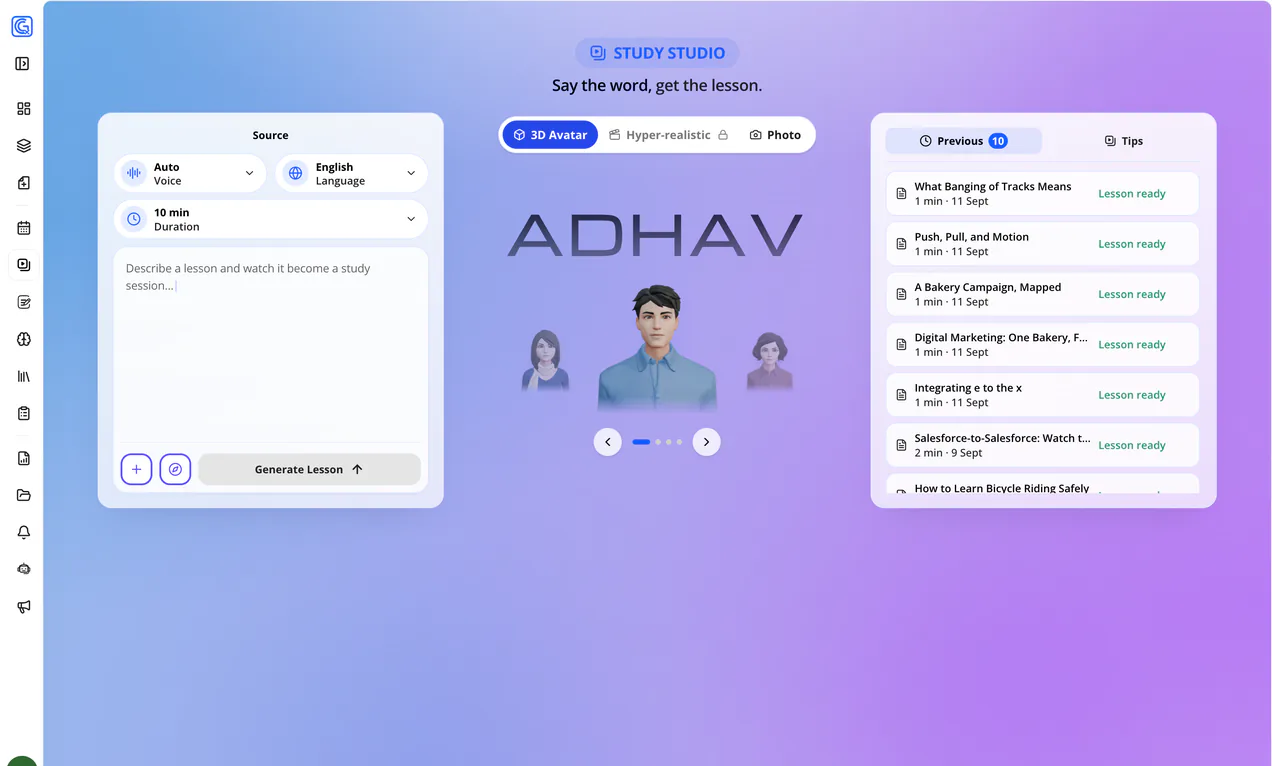
Say what to teach
Type the topic in one line. Attach a file only if the lesson must follow your material.
"Explain Bayes' theorem using a medical test example."
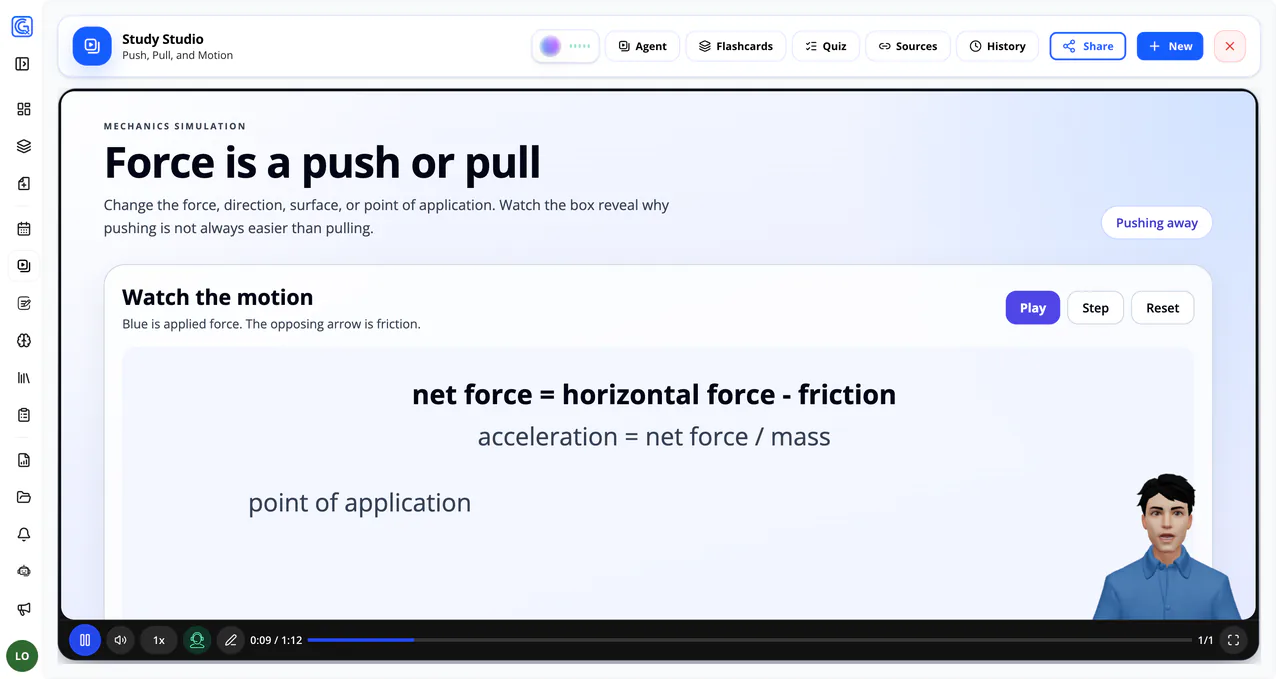
Study Studio writes the lesson, draws the board, and speaks it out loud. You give it one line of intent - or your own PDF, slides, or notes - and it returns a chaptered lesson with a presenter you can interrupt at any point.
One sentence is enough. Files are optional, and only used to keep the lesson tied to your syllabus or notes.
The chapter plan is shown first. Rename, reorder, or remove a chapter, then let it build.
Finished lessons sit in your history, can become flashcards or a quiz, and can be shared by link or email.
Type the topic in one line. Attach a file only if the lesson must follow your material.
Pick length, language, narration voice, and the presenter who delivers it.
The plan appears before rendering. Drop what you already know, keep what you don't.
Ask the tutor mid-scene, or ask for the scene itself to change in plain words.
Turn the finished lesson into flashcards or a quiz, reopen it later, or share it.